iPhone app for parents. Ages 1 to 8 and over.
Screen-free games for your child. The phone stays with you.
Pick a game, put the phone down, and your child plays with cushions, paper and boxes instead of a screen.
3 days free, then £59.99 a year or £14.99 a month. Cancel anytime.
- Snap your toys, get a game
- 40 illustrated games
- No adverts
- No child's name needed
- 8 languages
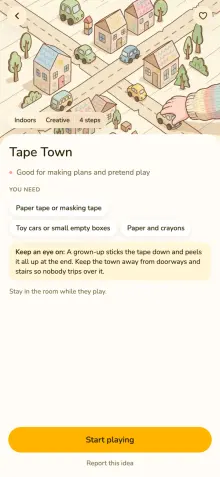 Pick an ideaAbout a minute, on your phone
- Put the phone downIt goes back in your pocket
- They play5 to 35 minutes, with real things
- A sticker in the hiveYour child picks itThen round again, with the next idea.
Photo ideas
Snap your toys. Get a game.
Not sure what to play with what you have? Take a photo of the toys on the floor or the bits in the kitchen drawer, and Bee suggests games made from exactly those things.
-
1 You take a photo
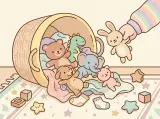
-
2 Bee spots what is there
- Building blocks
- Toy cars
- Masking tape
- A cardboard box
Move out of reach first: Marbles
Anything that is not safe for the age you set is named, so you can tidy it away before you play.
-
3 Games to play with them
-
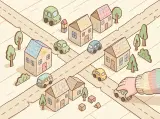 Tape TownFrom age 4 · 25 min
-
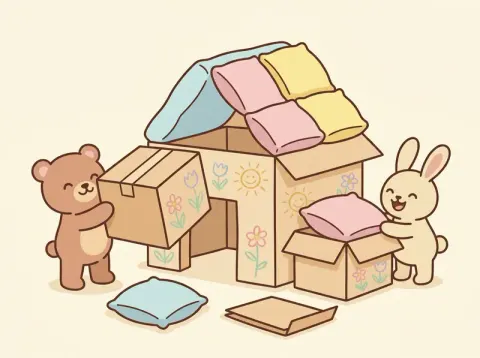
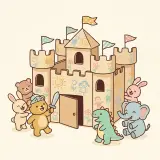 Cardboard CastleFrom age 3 · 30 min
-
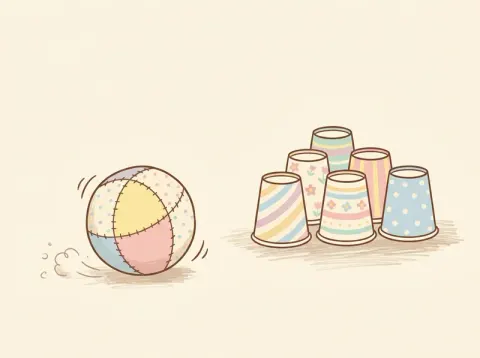
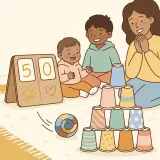 Cup Bowling AlleyFrom age 2 · 15 min
-
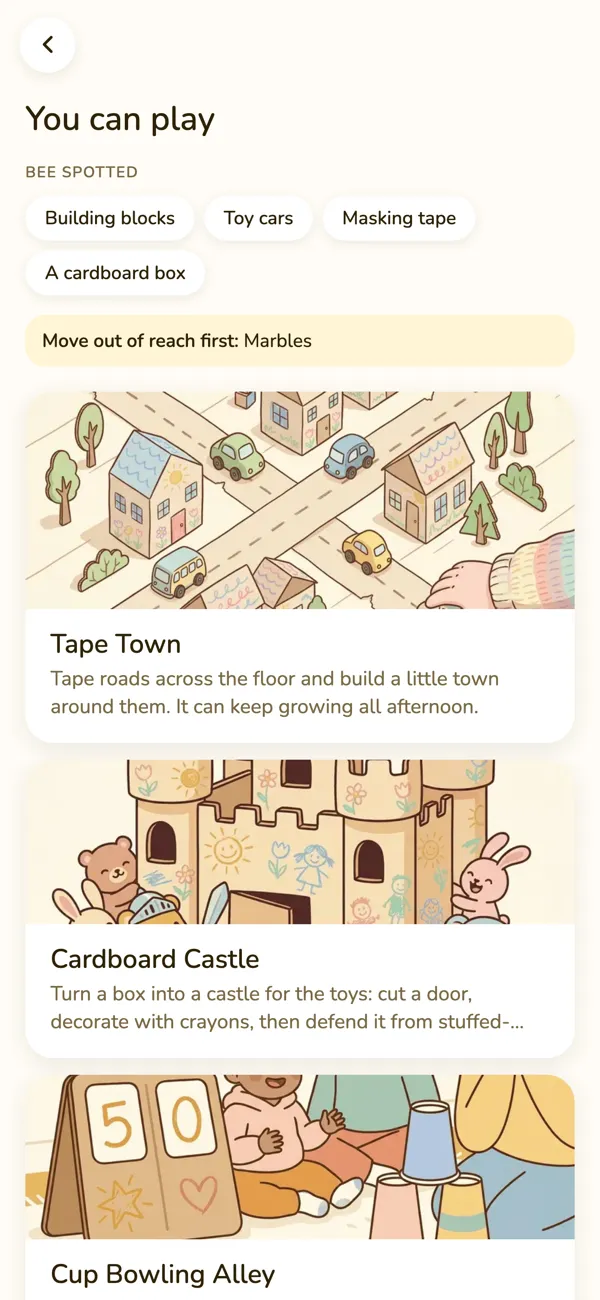
Photo ideas are part of the plan. They use AI, so they only work after you have said yes to it, and BusyBees does not keep your photos.
Try it
What kind of afternoon is it?
Three taps, and the 40 games become the few that fit today.
Anatomy of a game
One game, taken apart
Every game in the app is built the same way. This is Tape Town.
- From what ageTape Town is in the app from age 4. Tell the app your child's age and it shows the games that fit.
- What you needPaper tape or masking tape. Toy cars or small empty boxes. Paper and crayons.
- The stepsFour of them, one per screen, each with its own picture. They are just below.
- How longAbout 25 minutes. The shortest games in the app take 5, the longest 35.
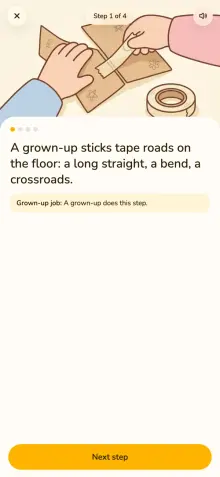
- The grown-up's jobStep 1 is yours: you stick the tape roads on the floor. The app marks every step that needs an adult.
- Keep an eye onA grown-up sticks the tape down and peels it all up at the end. Keep the town away from doorways and stairs so nobody trips over it.
The four steps, with their pictures
-
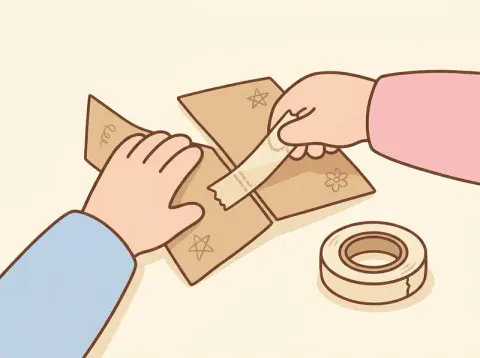
A grown-up sticks tape roads on the floor: a long straight, a bend, a crossroads.
Grown-up job -
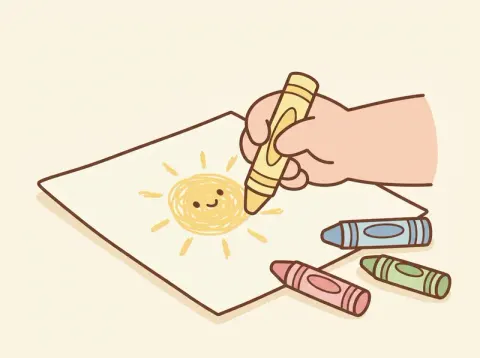
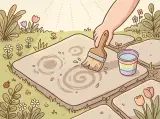
Draw houses, a shop and a park on paper and lay them beside the roads.
-
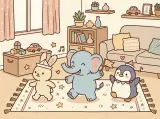
Drive toy cars round the town, or push small boxes along as buses.
-
Add something new: a car park, a bridge of folded paper, a zebra crossing.
Find your child's age
From age 1 to 8 and over
Each cell is one of the 40 games, standing at the age it starts from in the app.
Games that start at each age
-
Knock-Down Tower and 6 more
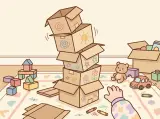
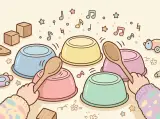
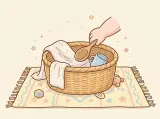
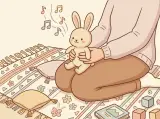
Under 2
7 start here
7 of the 40 are in the app for this age
-
Basket Toss and 7 more

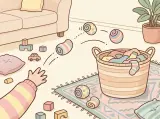
2
8 start here
15 of the 40 are in the app for this age
-
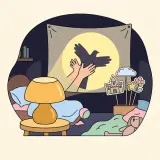
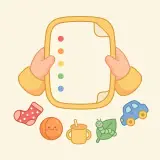
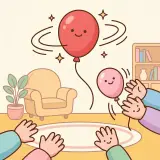
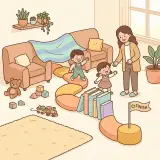
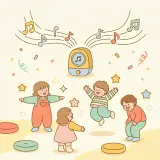
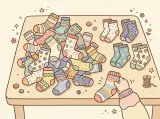
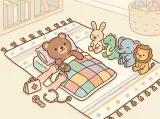
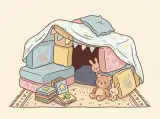
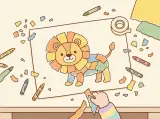
Cushion Island Rescue and 11 more
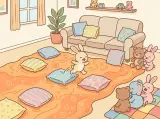
3
12 start here
27 of the 40 are in the app for this age
-
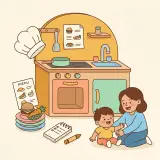
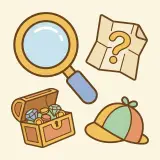
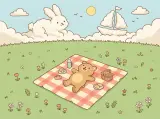
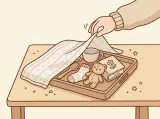
Tape Town and 3 more
4
4 start here
31 of the 40 are in the app for this age
-
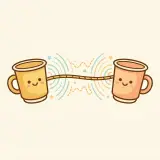
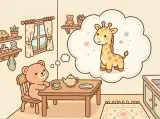
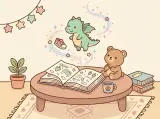
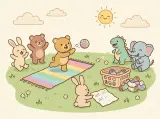
Guess My Animal and 3 more
5
4 start here
35 of the 40 are in the app for this age
-
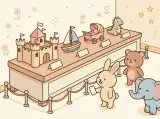
Toy Museum
6
1 starts here
36 of the 40 are in the app for this age
-
Paper Bridge Challenge

7
1 starts here
37 of the 40 are in the app for this age
-
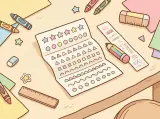
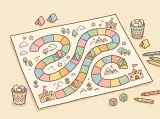
Secret Code Letters and 2 more
8 and over
3 start here
40 of the 40 are in the app for this age
The age is where a game starts in the app. You know your child, so you always have the last word on what suits them.
The hive
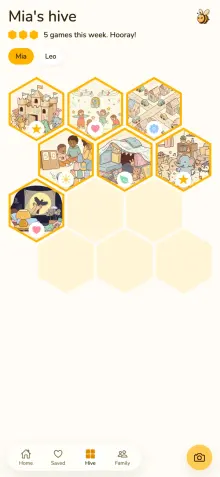
Every game you play becomes a cell
When the playing is done, your child picks a sticker and the game lands in the hive with its picture. The hive fills one cell at a time.
The five stickers
- Star
- Heart
- Flower
- Sun
- Leaf
Fresh ideas, and your privacy
What the AI is told, and what it never is
The 40 ready-made games need no AI. Fresh ideas and photo ideas do, so here is exactly what happens.
Fresh ideas
Bee writes a new game around your family. A plan includes 40 a month.
Photo ideas
Photograph a few toys or household things and get games made for them.
What the AI is told
- Your children's ages
- What they love
- What is at home
- The choices you make in the app, such as the mood you picked and the kinds of play you have switched off
MessyWaterFoodBalloonsLoudOutdoor
Six kinds of play, each one a yes or a no.
Only if you add it
- A first name or nickname
- A photo, when you use photo ideas
- You tick a box firstUntil then nothing is sent. One switch in Family turns AI off again.
- Claude writes the ideaMade by Anthropic
- A second checkEvery idea is read against the safety rules before it is shown
- Gemini draws the picturesMade by Google. It is sent a description of the scene, with no ages, names or photos.
- Back on your phoneA new game, with a picture for every step. You only see it after the check has read it.
What it is never told
- Anything at all, before you tick the box
- A name you did not add. A child's name is never needed
- A photo you did not add
- Anything, once you switch AI off in Family
Stops hereNone of it reaches Anthropic or Google.
BusyBees does not keep your photos. Anthropic deletes what it receives within 30 days and does not train on it. Google may keep requests for up to 55 days. The privacy policy has every detail
Pricing
The three free days
Try everything first. You need the free days or a plan to open a game, and one plan covers both parents.
3 days free
- Everything opensNothing to pay.
- A reminderThe app reminds you, if you allow notifications.
- Your plan startsApple takes the first payment for the plan you chose.
£59.99 a year
About £5 a month. Best value.
£14.99 a month
The same plan, paid monthly.
Both prices are the same plan
- All 40 ready-made games
- 40 fresh ideas a month
- Photo ideas
- A picture for every step
- The hive and its stickers
- Both parents
- 8 languages
- No adverts

Cancel at least a day before the 3 days end and you pay nothing. After that, cancel anytime in iPhone Settings. Prices are for the UK.
Play guides
Free to read, with or without the app
Short guides made from the same games, and 12 of the games written out in full so you can play today.
Questions
What parents ask first
Something else? Write to contact@yektad.com or see the support page.
Is BusyBees another screen for my child?
No. You use the app, not your child. You pick a game and read the steps, then they play with real things such as cushions, paper, boxes and soft toys. The only time they might look at the phone is to pick a sticker at the end.
Is it safe?
Every idea is checked against the app's child-safety rules before you see it. Each game says what to keep an eye on, and you can switch off kinds of play you do not want, such as water play or balloons. No app can see your room, though. A grown-up is always responsible for safety and supervises play, and the app asks you to confirm this before the first game.
What does the AI see?
Nothing, until you tick the box. After that: your children's ages, what they love, what is at home and the choices you make in the app, such as the mood you picked. A first name or a photo only if you add one. One switch in Family turns AI off again, and the ready-made games carry on.
What happens after the 3 free days?
Your plan starts and Apple takes the first payment: £59.99 for the year or £14.99 for the month, whichever you chose. Cancel at least a day before the 3 days end and you pay nothing.
Can both parents use it?
Yes. One plan covers both parents. Invite your partner from the Family screen and you both see the same children and kept games.
Do I need to buy anything for the games?
Not normally. The games use ordinary things most homes already have: cushions, paper and pens, boxes, soft toys, a ball. Each game lists what you need before you start.
Do I need to give my child's name?
No. A child's name is never needed. An age is enough, and you do not need an account to start.
Which languages does it come in?
Eight: English, German, French, Spanish, Portuguese, Italian, Danish and Russian.
An idea for right now
Open the app, pick a game, put the phone down and play with what is already in the room.
3 days free, then £59.99 a year or £14.99 a month. Cancel anytime.